
Help
Laser & Mirror TD — How to Play
1. The goal
Survive as many enemy waves as possible. Enemies travel along the road from the start base to the end base, and every wave they get stronger and faster. Each enemy that reaches the end base costs you one heart; when your hearts (top left) run out, the game is over.
2. The map
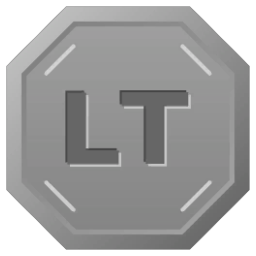
- LT platforms (marked “LT”) are where you build Laser towers.
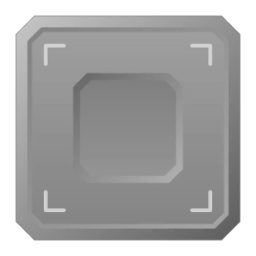
- Platforms (the square tiles) are where you build Mirror towers and the other special towers.
- Some platforms are locked at the start; the lock shows what opens them, such as reaching a certain wave.
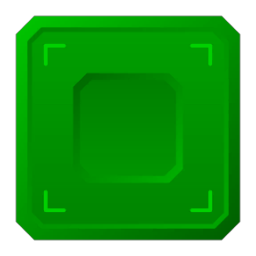
- While you aim a tower, the guideline shows where its laser beam will go, through every mirror on the way. A platform the line passes over turns green.
3. Laser towers
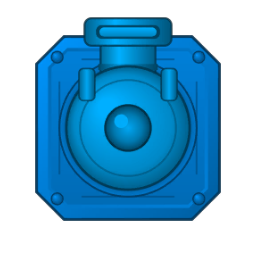
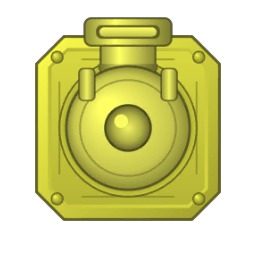
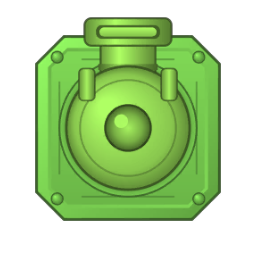
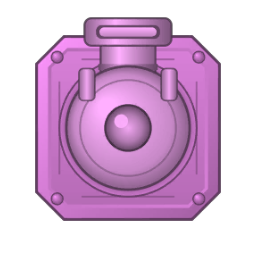
Laser towers fire the laser beams; every other tower only redirects them. Tap an LT platform, pick a colour in the menu to the right, and use the left and right buttons to aim. Aim before you buy — once a Laser tower is bought, its direction can't be changed.
Tap a Laser tower to open its Upgrade and fire menu. Press Fire to shoot once, or Auto fire to keep firing. Upgrades cost coins and take effect when you press Upgrade:
- Energy — how much life a beam can burn off enemies.
- Charge time — how long the tower needs between shots.
- Strength — how fast a beam burns an enemy.
- Speed — how fast the beam travels.
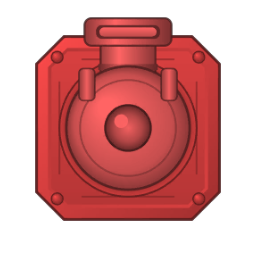
4. Mirror and Prism towers
A Mirror tower reflects a laser beam in a new direction — use them to steer beams along the road. Rotate it with the left and right buttons before you buy it; the guideline shows the result.
A Prism tower (and an upgraded Mirror tower) can split one beam into several. Choose how many beams and use the plus and minus buttons to set the spread angle.
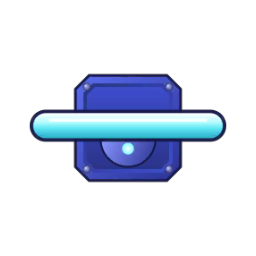
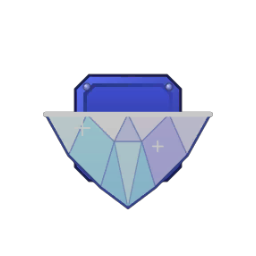
- Energy is the share of the incoming beam's energy each outgoing beam gets. At 100 % a reflected beam loses nothing.
- Charge time (when splitting) — beams that hit the tower while it recharges are ignored.
5. Special towers
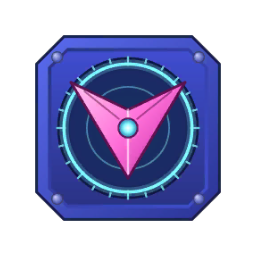
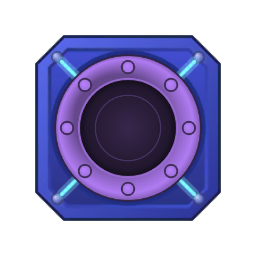
- Aiming tower — turns toward the nearest, weakest or first enemy in range and turns an incoming beam into rapid shots. Upgrade Distance, Rotation speed and Energy.
- 360 tower — charges up an incoming beam and fires a ring of laser that hits every enemy around it. It handles one beam at a time.
- Missile tower — fires missiles at flying enemies in range.
6. Enemies
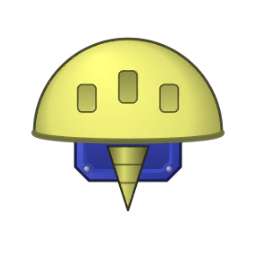
Each enemy type has its own shape and colour: fast and faster ones, normal ones, strong and stronger ones, and bosses that drop smaller enemies along the road. The bottom bar shows the current wave, when the next one starts, how many enemies it has and which type.
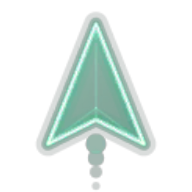

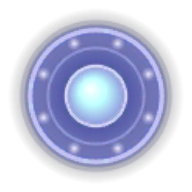
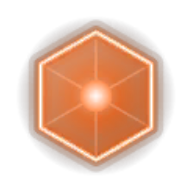
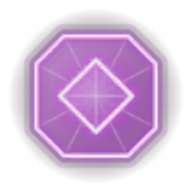
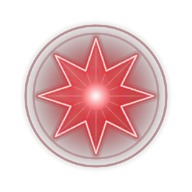
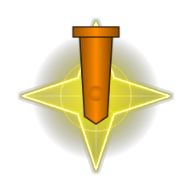
Flying enemies circle your mirror towers and shoot at them; each hit lowers the tower's energy. Tap a flying enemy to destroy it, or let a Missile tower do it — each one gives you gold. In the start menu you can set flying enemies to Off, Normal or More.
7. Coins, gold, stars and research
- Coins are earned during a game and buy towers and upgrades. They're gone when the game ends.
- Gold is earned when a game ends (based on your score) and from flying enemies.
- Stars are earned by reaching certain waves on each platform.
- In Research you spend gold and stars on permanent upgrades: better start values and higher maximums for every tower, more hearts, more start coins, more towers of each kind, new tower types and more.
8. Buttons during a game
- Auto (bottom left) — releases the next wave as soon as the current one is cleared.
- x1 / x2 — game speed.
- Pause.
- i — shows or hides the energy numbers on beams and enemies.
9. Tips
- Use mirrors to lay beams along the road, not across it — the longer a beam stays on the road, the more enemies it burns.
- Upgrade the Laser tower's energy early; mirrors can only pass on what the laser gives them.
- Split beams with a Prism tower when waves get crowded.
- Spend your first gold on the Mirror research “Laser beam energy max value (single)”.
- Stuck? Play the tutorials from the main menu — finishing one gives you 500 gold.
10. Contact
Questions or ideas? Write to info@fairysolutions.se.